


 KIIROO - REPLACEMENT COVER FOR ONYX+ 1 UNIT, D-228443, Kiiroo
8.99 €
Add to AI comparisonAdd to wish list
The store contains sexual content. Entrance - only from 18 years of age!
Are you 18+ years old?

Necessary cookies enable the site’s essential functions, including authentication and security, saving the shopping cart, placing orders, selecting a language, and retaining other user settings. They are always active because the site cannot work correctly without them. These cookies are not used for analytics or advertising.
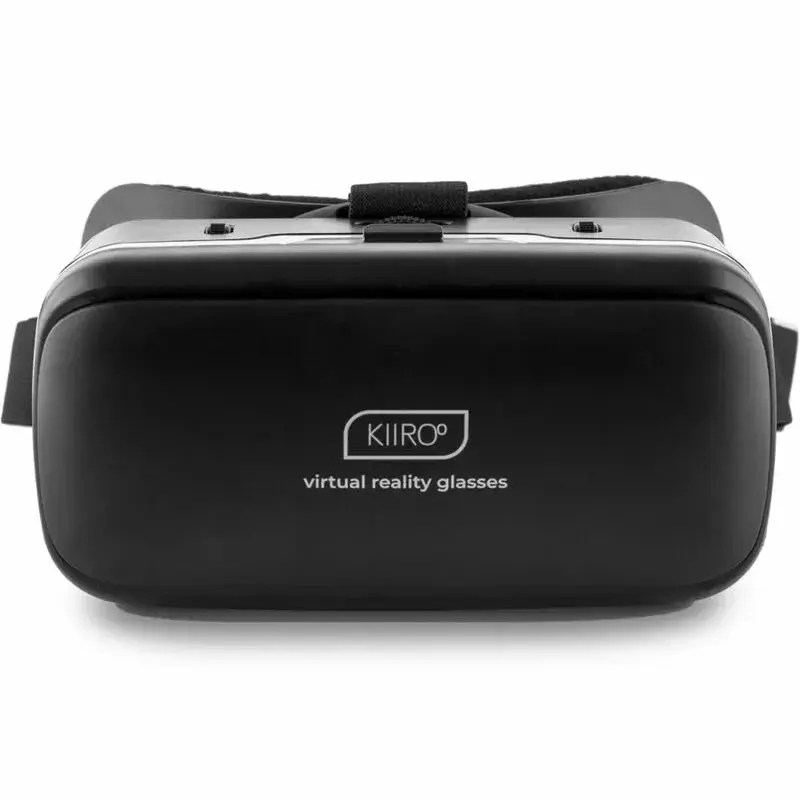
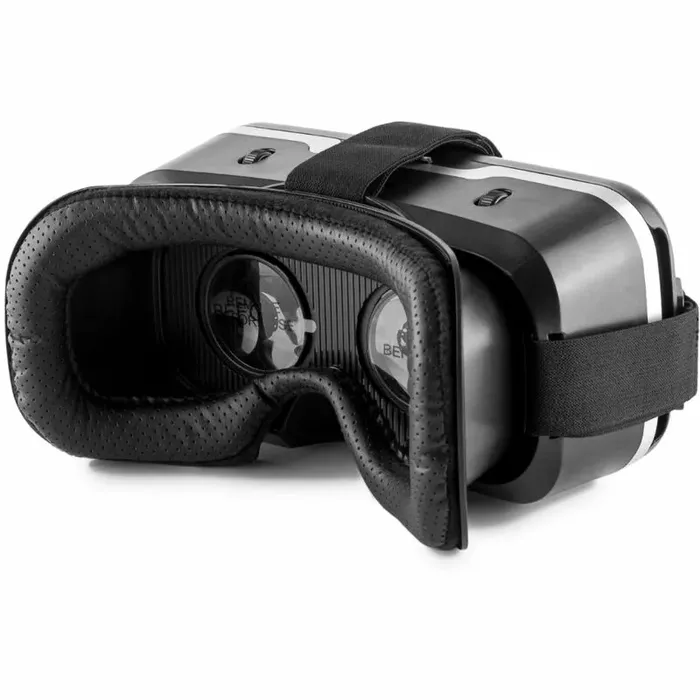
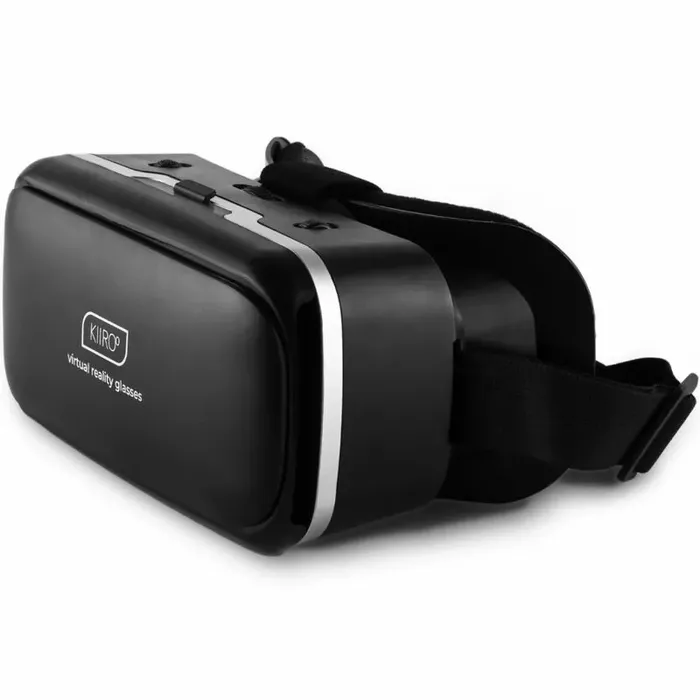
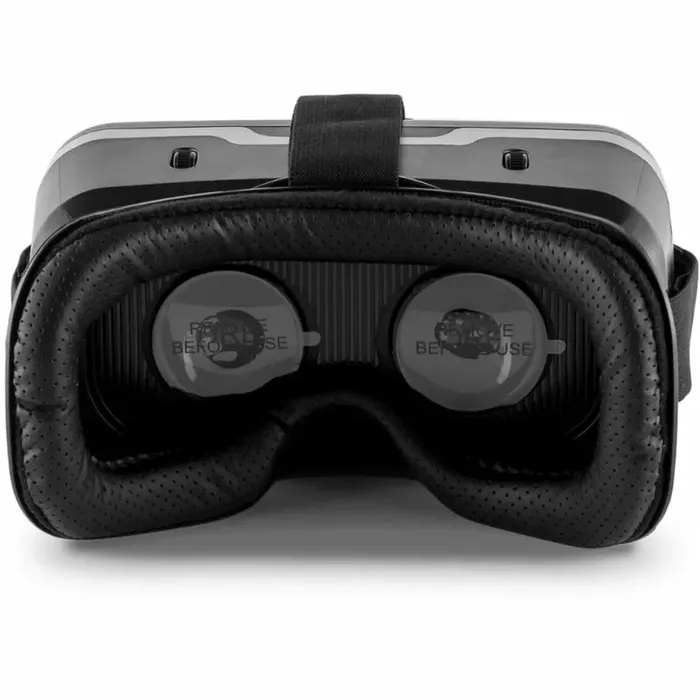
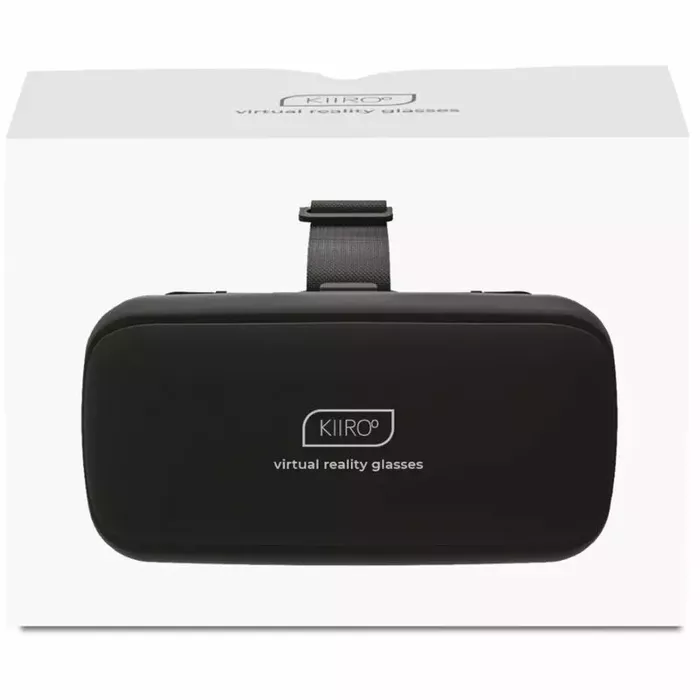


Turn your smartphone into a virtual reality viewer with the Kiiroo D-239844 headset featuring high-resolution displays and spatial audio. Constructed from durable ABS with 42 mm diameter spherical resin lenses, the headset enlarges images and widens the field of view while minimizing distortion. Its ergonomic design supports extended use for immersive gaming, streaming and VR entertainment, and it is compatible with smartphones that have screens between 3.5 and 6.0 inches.
The headset combines high-resolution displays with spatial audio to deliver detailed visuals and an immersive sound field. Resin spherical lenses reduce image distortion and increase the perceived field of view. The ABS housing provides lightweight durability for longer sessions, and the design accommodates users who wear glasses up to moderate myopia (less than 600 degrees), allowing removal of spectacles while using the device.
Insert a compatible smartphone (3.5–6.0 in) into the front compartment according to the headset’s alignment guides, secure the phone, then place the headset on your head and adjust straps for a snug, comfortable fit. Start a VR app or play compatible video/game content on the phone, adjust interpupillary distance and lens focus if available, and use the phone’s audio or connect external audio sources as supported to benefit from spatial sound.
Use in a safe, stationary area free of obstacles. Take regular breaks during extended VR sessions to reduce eye strain. Remove glasses only if your prescription is within the stated limit (less than 600 degrees); otherwise use compatible eyewear or consult an eye-care professional. Keep lenses clean and avoid exposure to extreme heat or moisture.
KIIROO - REPLACEMENT COVER FOR ONYX+ 1 UNIT, D-228443, Kiiroo Kiiroo Apolonia Lapiedra Realistic Vaginal Male Masturbator TPE ABS 22 cm 800 g
 Kiiroo September Reign Realistic Vaginal Male Masturbator TPE 22 cm
 Kiiroo Maya Wild Life Realistic Vaginal Male Masturbator 220x84mm 800g TPE
 Kiiroo Julio Realistic Thrusting and Vibrating Dildo with Wireless Remote Control Bluetooth Waterproof Silicone 17.7-19.7 cm
If you have already tested this item, please leave a review. Also, if you could mention some positive and negative points, we would be very grateful. Your feedback will help other customers to make the right choice.
Please note:You will receive a response from the store, brand representative, or user who purchased this item. We will send you a notification when we receive a reply.

Get your orders as quickly as possible — right to your door, parcel lockers, or pickup points across Latvia and the EU.

Pay the way you prefer: cash, VISA, MasterCard, Apple Pay, Google Pay, bank transfer, or 0% installment plan.